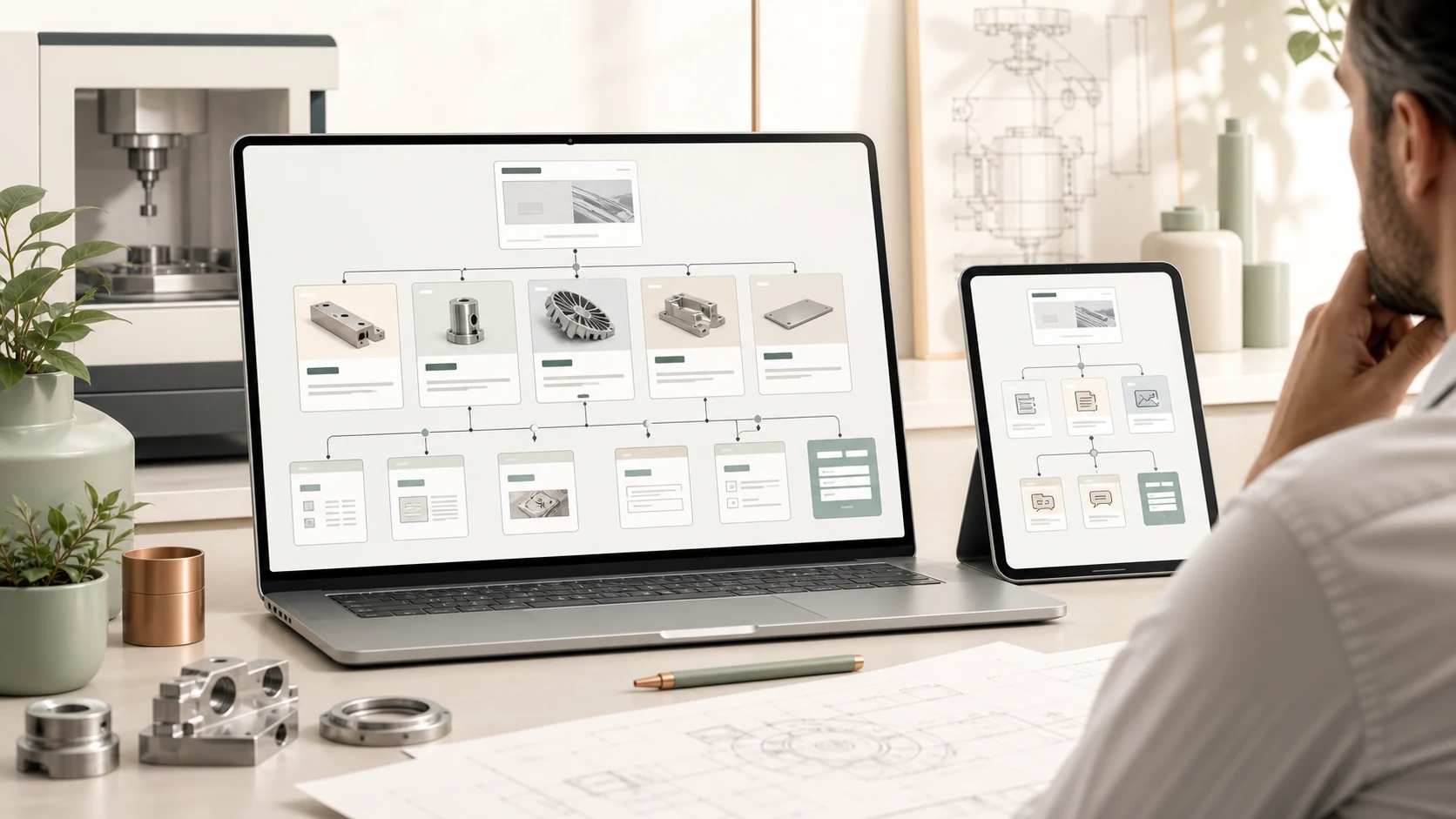
Do not build the menu only from internal departments
Many manufacturing websites are organized around internal habits: company profile, products, news, certificates, and contact. These sections can be useful, but they are not enough if they do not match how a buyer evaluates a supplier.
A stronger structure starts with buyer questions: What does this company provide? Which products or applications are relevant? What capability supports the offer? What should I prepare before asking for a quote or project review?
Let the homepage create orientation
The homepage does not need to carry every detail. It should work as a clear map of the site: who the company serves, what it provides, where the main product and service pages are, and how a serious visitor can move forward.
When the homepage tries to include every product, certificate, news item, and slogan, it may look busy but feel unclear. Search systems also have a harder time understanding the relationship between sections.
Organize product pages the way buyers search
Product categories do not always have to follow internal model names. Buyers often think in terms of use cases, processed materials, industries, key parameters, and selection conditions. A manufacturing website can keep standard product categories while adding application and solution paths.
Each core product should have its own page where possible. The page should explain what the product is, where it fits, what information is needed for selection, what limits apply, and how the buyer can start a useful inquiry.
- Product categories help buyers browse by equipment, process, or service type.
- Application pages help buyers search by industry, material, or business problem.
- Technical capability pages explain why the company can support the work.
- FAQ pages answer selection, pricing, delivery, and preparation questions.
Do not leave articles and FAQs isolated
News or insight content should not become a separate archive with no connection to the business. Each article should answer a real buyer question and link to the relevant product page, service page, application page, or contact path.
For example, an article about product selection should connect to the product page and inquiry form. An article about website structure should connect to the website or landing page service. Content should fill decision gaps, not simply increase article count.
Use a checklist before launch
After planning the site structure, review it as if you were a first-time buyer. The key question is not how many sections the site has, but whether each section has a clear role and whether visitors can find the next step from any entry point.
- Does the homepage explain the target audience, core capability, and main entry points?
- Do core products have dedicated pages with clear parameters and selection notes?
- Do application pages link back to relevant products or services?
- Does the technical capability page include real evidence and clear boundaries?
- Do articles answer buyer questions and link to related pages?
- Is the contact path easy to find on both desktop and mobile?
- Do the Chinese and English versions keep the same facts and mutual links?